
Your child’s phone has a safety blind spot. Here’s what parents can do about it



This article contains affiliate links. We may earn a small commission on items purchased through this article, but that does not affect our editorial judgement.
Blocking social media may feel like a good start. But what about the apps your child is allowed to keep? There’s a free way to begin checking.
Giving your child a phone can feel like a sensible step towards independence. They can call if the bus is late, tell you they’ve arrived safely and stay in touch with their friends. Then comes the thought that’s harder to shake: what happens on that phone when you’re not there?
For many parents, social media is the obvious concern. The Government has announced an under-16 ban, with restrictions expected to take effect in 2027. It has also outlined wider protections for children online. But none of those future rules can help a parent decide what to do with the phone their child is using tonight.
And that’s the blind spot. You might agree that your child can’t have a social media account, yet still have questions about messages, videos, games and the websites they can open. Blocking one app doesn’t tell you what they might encounter in the ones they’re allowed to keep.

SafetyMode, developed in partnership with Mumsnet parents, is offering one place to start. Its parental control app is free for compatible Android phones, so families can try its basic features without buying a new handset or taking out a subscription. SafetyMode says the app can filter content within apps, block websites and apps, and set screen time schedules.
That could be especially relevant if your child already has an Android phone. Rather than starting the first-phone conversation all over again, you can look at the device they use, check which apps are installed and decide together what access makes sense for their age.
There is a paid option, but it isn’t required for the basic app. SafetyMode Plus costs £5.99 a month and lets parents change settings from their own phone and receive alerts when content is flagged or blocked. Check that your child’s Android device is compatible before downloading either version.
Of course, a phone setting cannot tell a child what to do if a friend sends an upsetting message, or make it easy to admit they clicked on something they wish they hadn’t. They need to know they can come to you without the conversation beginning and ending with “I’m taking your phone away”.
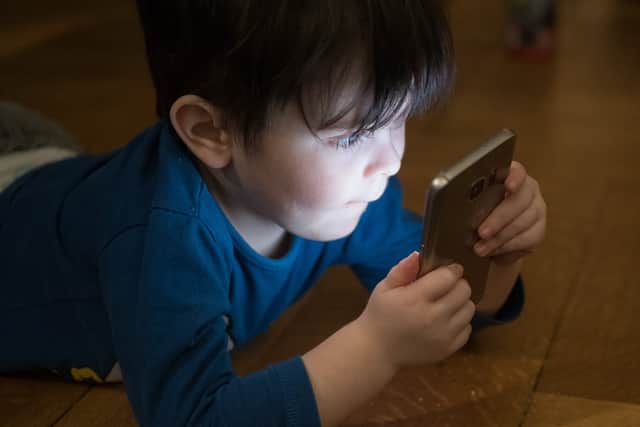
SafetyMode has also released a free guide for parents, covering seven areas of concern including bullying, scams, privacy, grooming, misinformation and the effect phones can have on attention and wellbeing. It offers practical steps and conversation starters whether your child is about to get their first phone or has had one for years. The guide is intended for families with Android phones or iPhones, even though the SafetyMode app currently requires a compatible Android device.
One question might be more useful than a lecture: “If something on your phone made you uncomfortable, would you show me?”
You may not love the answer. But it gives you somewhere honest to begin. While the Government works on new restrictions, parents can check the settings available today, agree some boundaries with their child and make sure asking for help always feels like an option.

With the housing market continuing to shift in many parts of the UK, homeowners often choose to start by getting an up-to-date view of what their property could be worth. Estate agent Purplebricks offers a free, no-obligation valuation carried out by a local property expert familiar with current prices and demand in the area 📊.
The appointment typically includes an assessment of the property’s likely market value along with guidance on pricing and presentation if the owner decides to sell 💷. Valuations can be arranged online in just a few minutes by choosing a convenient appointment time and requesting a visit from a local property specialist.
👉 Book a free property valuation with Purplebricks here.